What makes onchain art different
Onchain generative art embeds image data directly into the blockchain transaction, ensuring permanence. Unlike standard NFTs that link to external servers or IPFS, onchain art is stored as code—typically SVG—within the smart contract. This eliminates the risk of broken links or server outages, though it requires higher gas fees for storage.
Think of off-chain NFTs like a library card pointing to a book. If the library closes, you lose access. Onchain NFTs are like having the book printed into your home. You don’t need a library, and you don’t need to hope the book stays on the shelf. This approach prioritizes longevity and true digital ownership, even with higher initial costs.
Choose your rendering format
SVG is the standard for onchain generative art because it is lightweight and scalable. Unlike PNG or JPG files, which are heavy raster images, SVGs are vector-based code defining shapes, lines, and colors.
This matters for two reasons. First, SVG files are tiny, allowing you to embed the entire image data directly into the smart contract. Second, vectors scale infinitely, ensuring your art looks crisp on any screen size. Raster formats like PNG require hosting on IPFS or Arweave, adding complexity and cost. With SVG, the image is the data. You write the logic, the browser renders the vector, and the result is stored permanently on the blockchain.
Write the generative logic
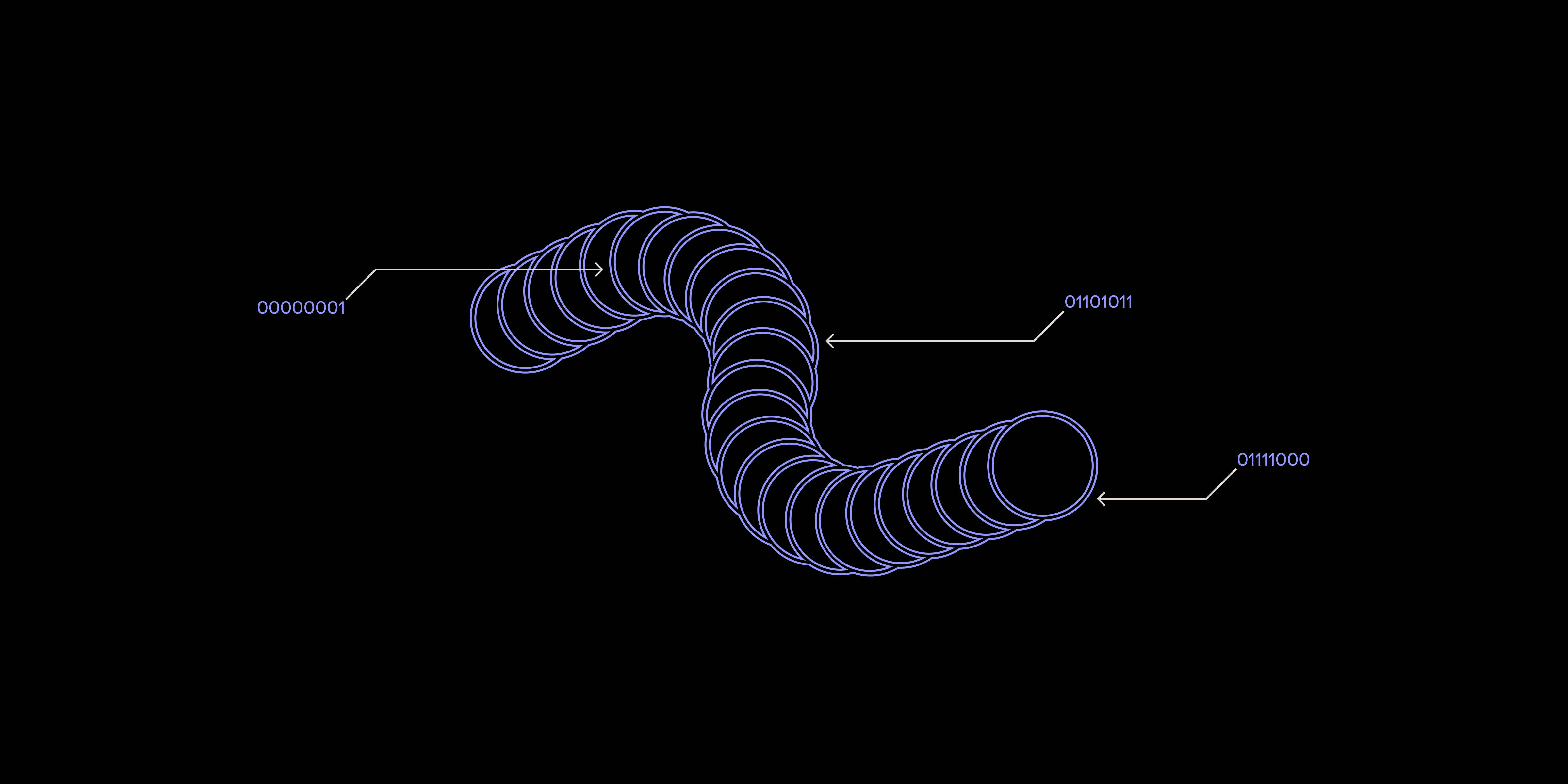
The core of onchain art is a deterministic script that takes a seed number and produces the exact same SVG every time. This logic allows the artwork to be lightweight enough for the blockchain.
We use JavaScript with a seeded random number generator (RNG) to ensure reproducibility. The goal is to define layers, pick traits based on rarity, and assemble them into a valid SVG string.
Create a file named generate.js. Implement a function that takes an integer seed and returns a consistent random number between 0 and 1. Standard Math.random() changes every run, so use a Linear Congruential Generator (LCG) or a library like seedrandom. This ensures seed 1234 always produces the same sequence.
Structure your code to represent visual layers (e.g., background, body, accessory). Each layer should have a list of possible traits with associated weights. For example, a "rare" background might have a weight of 1, while a "common" one has a weight of 10. Your seeded RNG will pick an index from this weighted list, preserving rarity distribution.
Combine selected traits into a single SVG string. Use simple SVG tags like <rect>, <circle>, and <path>. Keep the SVG code clean and minified. Avoid complex filters or external images. The output should be a single string storable directly in a smart contract or an onchain file system like the Highlight File System.
Run your script with the same seed multiple times and compare outputs. They must be identical. If they differ, your RNG is not properly seeded. Generate two different seeds (e.g., 1 and 2) to ensure distinct images. This step is critical before deploying to the blockchain.
Keep the Byte Count Low
Every byte stored on Ethereum costs gas. Bloated SVGs burn money unnecessarily. The goal is to shrink code without losing visual fidelity.
Minify Your SVG Code
Most SVG editors output messy code with hidden metadata and verbose paths. Clean this up before hardcoding it into your smart contract. Use a tool like SVGO or an online minifier. These tools strip comments, remove unused namespaces, and shorten path commands. For example, M 10 10 L 20 20 becomes M10,10L20,20. This adds up across thousands of traits.
Simplify Paths and Shapes
Complex vector paths are expensive. Use simple <rect> or <circle> tags when possible. If you need a custom shape, approximate it with fewer points. Check your path data for redundant points or adjacent lines that can be merged. Every character removed from the d attribute saves gas. If your file is over 10KB, look for more ways to simplify.
Avoid External Resources
Never link to external images or fonts. Onchain NFTs must be self-contained. If your SVG references an external file, it breaks when the file is deleted. Embed everything. Convert text to paths and inline SVG data. Your NFT should live forever, independent of any external server.
Deploy using ContractKit
Thirdweb’s ContractKit simplifies deploying onchain NFT collections. It handles complex blockchain interactions, allowing you to configure and push your ERC721 contract to the network without writing raw Solidity deployment scripts.
Install the thirdweb CLI globally: npm install -g thirdweb@latest. Verify with thirdweb --version. This tool provides commands to scaffold, configure, and deploy your smart contract.
Navigate to your project directory and initialize the ContractKit environment. Specify your chain (Ethereum, Polygon, Arbitrum) and provide wallet credentials. Select the ERC721 contract type. Set the name, symbol, and base URI. Ensure your baseURI points to your onchain data structure, not an IPFS hash, to maintain onchain integrity.
Execute the deployment command. The CLI compiles your contract and broadcasts the transaction. Cover the associated gas fees. Once confirmed, the CLI outputs the new contract address, the permanent home of your NFT collection.
Verify your contract on a block explorer like Etherscan. This publishes your source code publicly, allowing anyone to audit the logic. The ContractKit CLI often includes a verification flag to automate this. Verification enables frontend integrations to read your onchain metadata correctly.
Verify your onchain project
Confirm the art is truly living on-chain by checking that image data is embedded in the transaction. If the data is on the blockchain, it will render in any compatible wallet or block explorer without needing a central API.
Copy your contract address and navigate to a block explorer like Etherscan. Look for the most recent mint transaction and click into the "Token Transfers" tab. Find your token ID and open the metadata view. If the image field contains a long string starting with data:image/svg+xml, followed by base64 code, your art is on-chain.
Open a wallet like MetaMask. Import your contract and look at the token. If the artwork appears correctly, verification is complete. If it shows a broken image icon, the metadata might still be pointing to an external IPFS link.
-
Art renders correctly in a standard wallet
-
Metadata contains embedded SVG data in the transaction
-
No external IPFS or HTTP links in the final output
Common onchain art mistakes
The blockchain is unforgiving. Onchain art lives in permanent, expensive memory. If your code or data is flawed, it stays flawed forever.
Non-deterministic randomness
Onchain environments are deterministic. You cannot use standard random number generators like Math.random() because they aren't available in Solidity. Using block hashes or timestamps for randomness allows miners to manipulate them, breaking collection integrity. Instead, rely on verified oracle services like Chainlink VRF. These provide cryptographically secure randomness that is provably unpredictable and fair, ensuring every trait is truly unique.
Exceeding block gas limits
Complex generative algorithms can balloon past the block gas limit, causing transactions to fail. This is common with high-resolution images or complex geometric shapes. Keep your logic lightweight. Use efficient data structures and avoid unnecessary loops. If your art is too complex, consider a hybrid approach where heavy lifting happens off-chain, and the blockchain stores only the final hash or simplified metadata. Thirdweb’s documentation offers examples of optimizing onchain storage costs.
Frequently asked: what to check next
Next steps for creators
Building onchain generative art requires careful planning around gas costs and determinism. Start by prototyping your SVG generation logic locally to ensure it is lightweight and reproducible. Use tools like SVGO to minify your code before deployment. When ready, leverage thirdweb’s ContractKit to streamline the deployment process on a cost-effective Layer 2 network. Finally, always verify your contract on a block explorer to ensure your metadata is correctly embedded and accessible. This rigorous approach ensures your art remains permanent, verifiable, and truly yours.
No comments yet. Be the first to share your thoughts!